Event budgets usually live in spreadsheets. But a static event budget template can't answer the questions that matter most. And it won't tell you what to change to make your event more profitable.
The Event Budgeting Tool is a free replacement for your complex spreadsheet.
It's a dynamic event budget calculator that builds your profit and loss statement in real time. No formulas to debug, no finance degree required. Just plain answers.
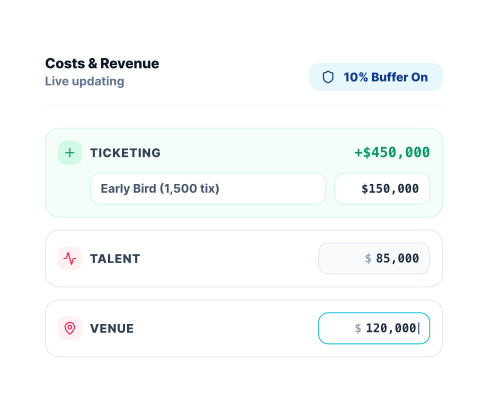
Your event profitability updates instantly whenever you make a change. Adjust a ticket price, add a cost, change your attendance estimate, and see the impact on your bottom line immediately.
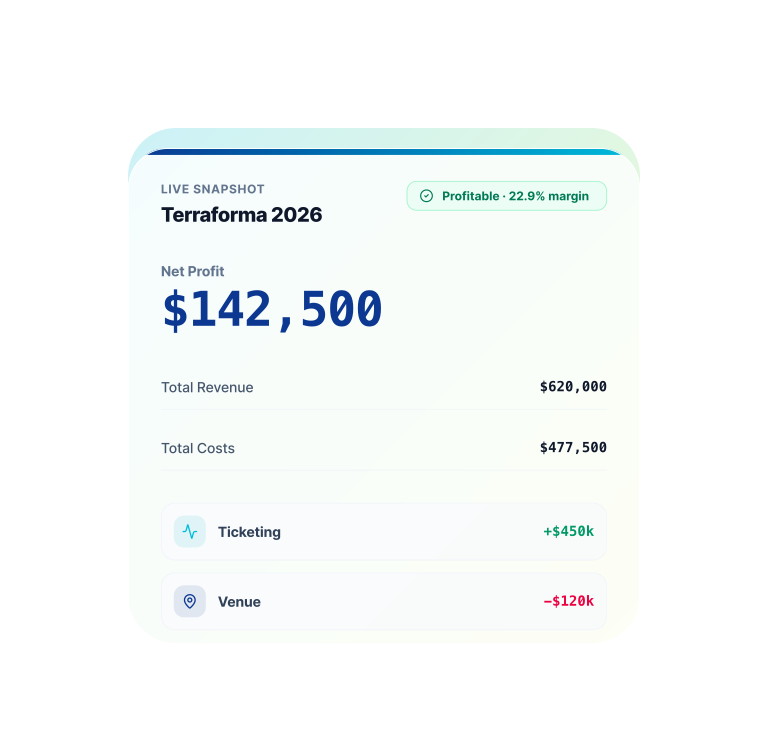
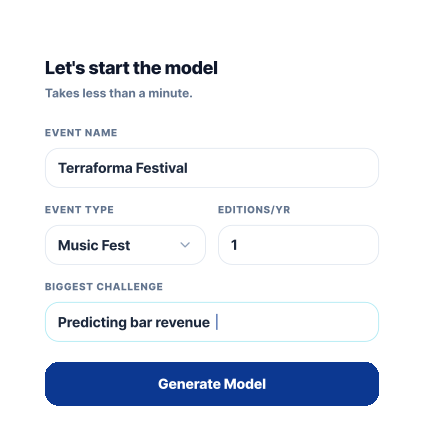
Tell us your event type and we'll set up your event budget template automatically. No account required, no blank spreadsheet.
Add your costs and revenue and watch our live event budget calculator crunch your actual numbers, not last year's estimates.
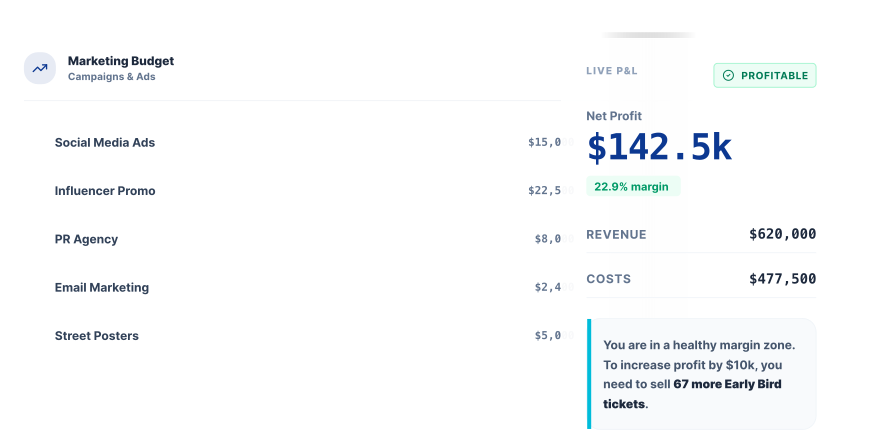
Get actionable recommendations to improve your event's profit margin and see the exact dollar impact each change makes.
Eight cost categories with detailed line items, four revenue streams with the platform mechanics baked in. Everything your event ROI calculator needs. Start with what you know, fill in the rest as quotes come in.
Talent / Speakers
Fees & guarantees · Travel · Accommodation · Hospitality
Venue
Rental · Venue insurance · Cleaning · Furniture & equipment
Production & AV
Sound & audio · Lighting · Staging · Screens · Power · Photography
Marketing & Advertising
Meta · Google · TikTok · LinkedIn · Email · PR · Print · Influencer
Event Staff
Security · Front of house · Box office · General staff · Medics · Technical crew
Signage & Materials
Signage · Badges · Printed materials · Staff uniforms · Lanyards
Legal & Compliance
Permits & licenses · Event insurance · Music licensing · Legal fees
Site & Operations
Portable toilets · Waste management · Utilities · Fencing · Water stations
Other Costs
Add any cost not covered above
Ticket Sales
Multiple ticket tiers · Early bird & presale · Platform fees · Net revenue per ticket
Sponsorship
Confirmed sponsorship · Sponsorship target · Gap tracked separately
Food & Catering
Gross revenue estimate · Organiser revenue share % · Net revenue calculated
Beverage / Bar
Gross revenue estimate · Organiser revenue share % · Net revenue calculated
Merchandise
Gross revenue estimate · Organiser revenue share % · Net revenue calculated
Other Revenue
Parking, vendor fees, and more · Add any revenue stream not listed
Whether you're running a 200-person workshop or a 5,000-person festival, this tool is your custom event budget template.
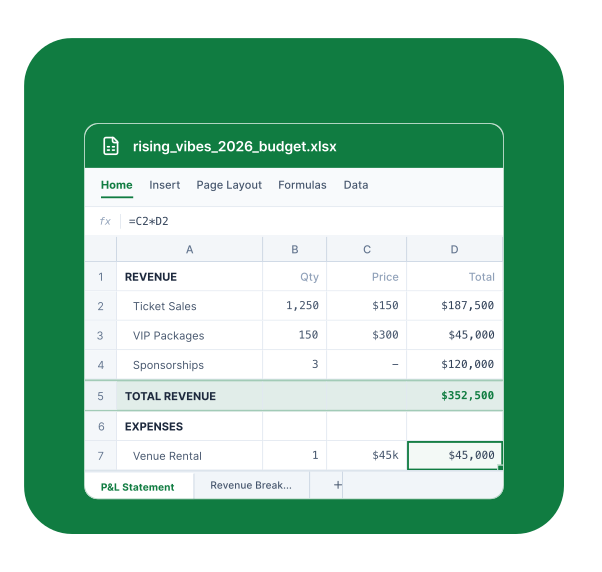
When you're done, download your complete profit and loss statement to Excel — a fully customized event budget template built around your specific costs, revenue streams, ticket tiers, and event type.
No generic spreadsheet downloads. A real financial model tailored to your event, ready to share with your team, venue, or sponsors.
Free to use. No signup required. Results in minutes.
Build my event budget →An event budget template is a structured financial plan that tracks all the costs and revenue associated with running an event. Unlike a generic spreadsheet, the Event Budgeting Tool creates a customized budget template based on your specific event type, ticket structure, and cost categories — and tells you in real time whether your event will be profitable.
Yes. The Event Budgeting Tool is completely free to use with no signup required. You can build your full profit and loss statement, get profitability recommendations, and export your budget without creating an account.
A spreadsheet requires you to know what formulas to use, which costs to include, and how to interpret the results. The Event Budgeting Tool does all of that automatically — it knows what costs are typical for your event type, calculates your breakeven revenue, and tells you exactly what to change if you're not going to be profitable.
An event ROI calculator helps organizers understand whether their event will generate a financial return. The Event Budgeting Tool functions as an event ROI calculator by comparing your total revenue against your total costs and showing you your net profit or loss in real time.
Yes. You can use the tool as a starting point even before you have firm quotes. As your real numbers come in, you update the estimates and watch your profitability forecast update in real time.
The tool's built-in event budget calculator shows you exactly what needs to change. Whether that's raising ticket prices, securing more sponsorship, or cutting specific costs, each recommendation includes the exact dollar amount needed to reach a healthy profit margin.